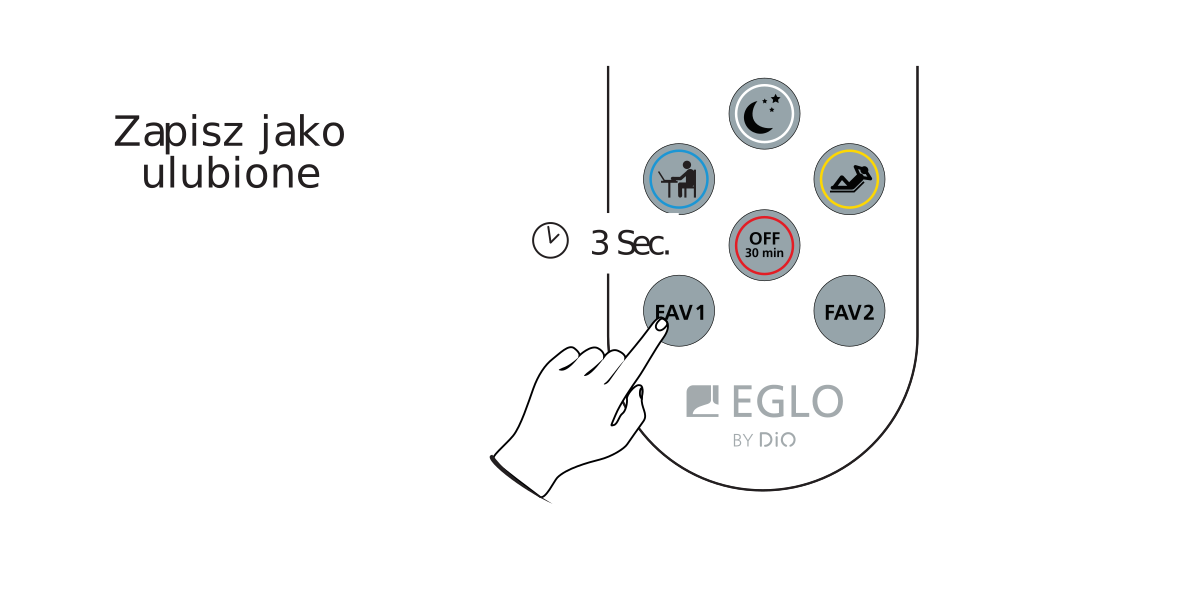
Saving 2 favourite settings
The remote has 2 buttons - FAV 1 and FAV 2 - which save the selected bulb setting of your mobile mirror.
- Set the colour and brightness of the LED bulbs that suit you.
- Hold the FAV 1 button for 3 seconds to save the setting.
- If the bulbs flash twice, the setting has been saved under the pressed button.
- Repeat the same steps for another bulb setting and press the FAV 2 button on the remote - hold it for 3 seconds until all bulbs blink.
Saving settings is not difficult - it works the same way as saving a station on a car radio :).